TodayPush
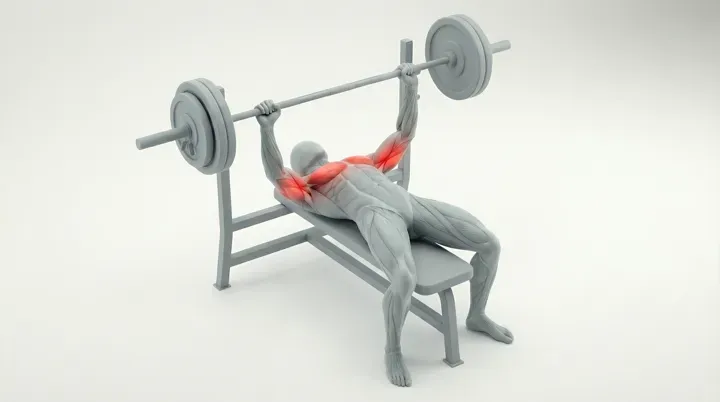
Exercise 1/5Bench press4 × 6-10 · rest 2:30
From the last session
- S18×4547.5kg↑ +2.5 kgSet in progress
- S28×45kg
- S37×45kg
- S46×45kg
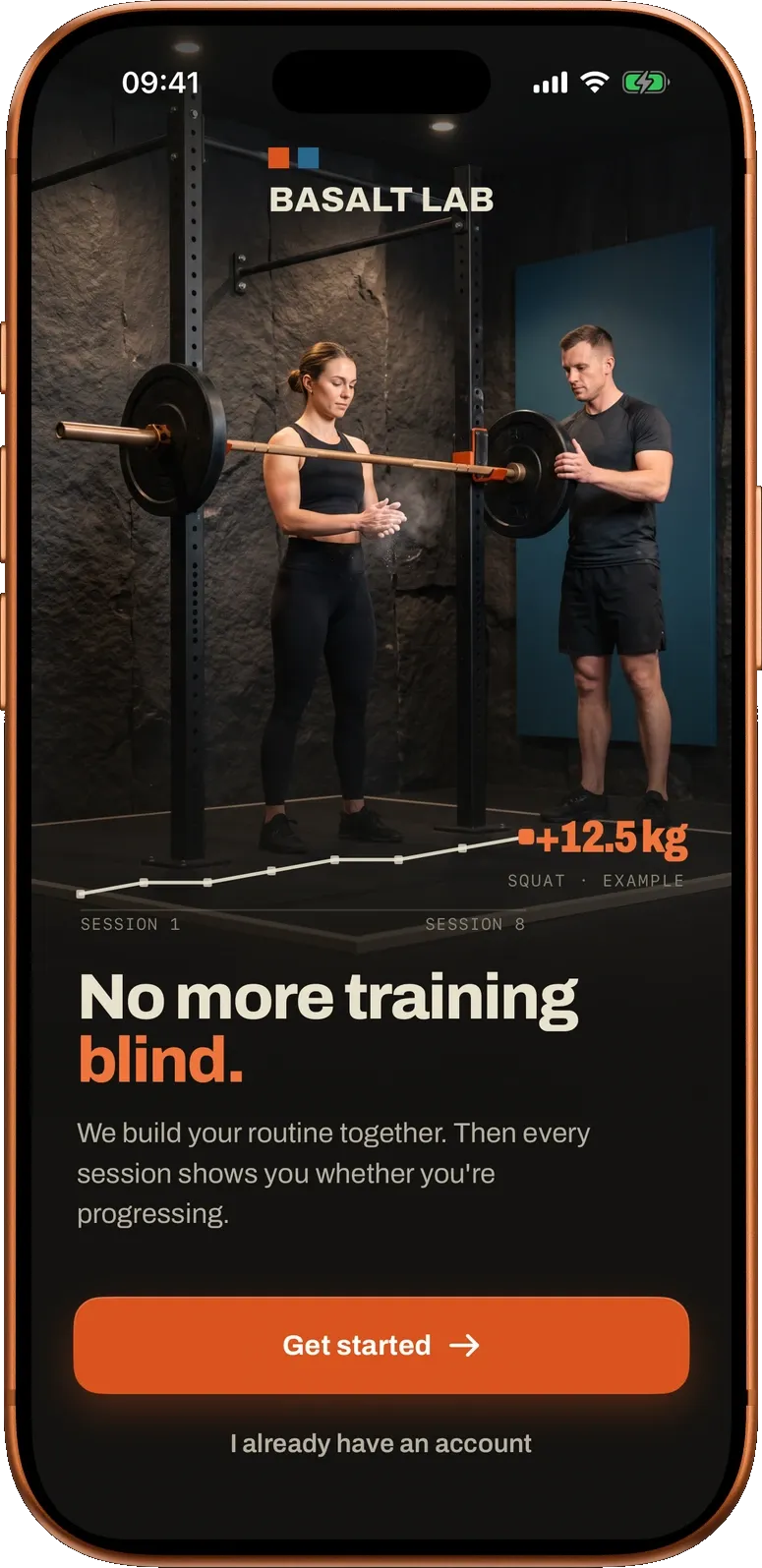
Log every set in a few taps, keep the history of every session, and see whether you are actually getting stronger.

On a computer?Scan this code with your iPhone to install the app.
For iPhone and iPhone Duo on iOS 17 or later. Apple Watch optional.
500
exercises in the catalog
113
ready-made workouts, 41 of them free
47
statistics, 14 of them included
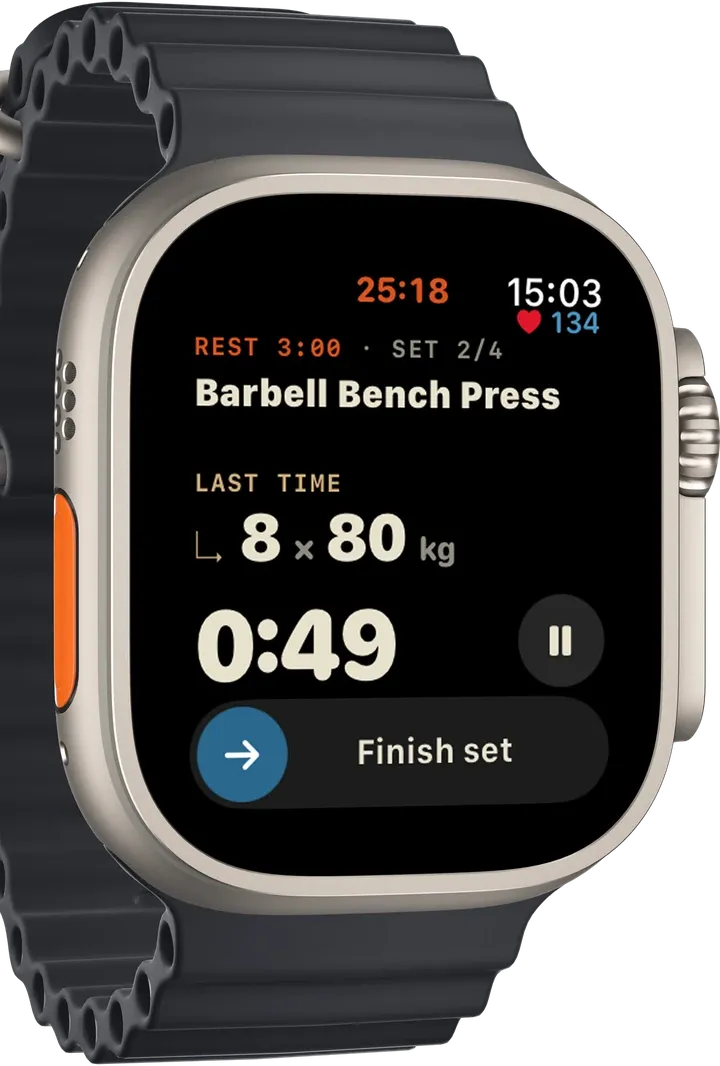
Each set, logged from your wrist
New
Open it and your workout splits in two: the video and cues on the left, your sets on the right. Closed or side by side with another app, Basalt Lab adapts.
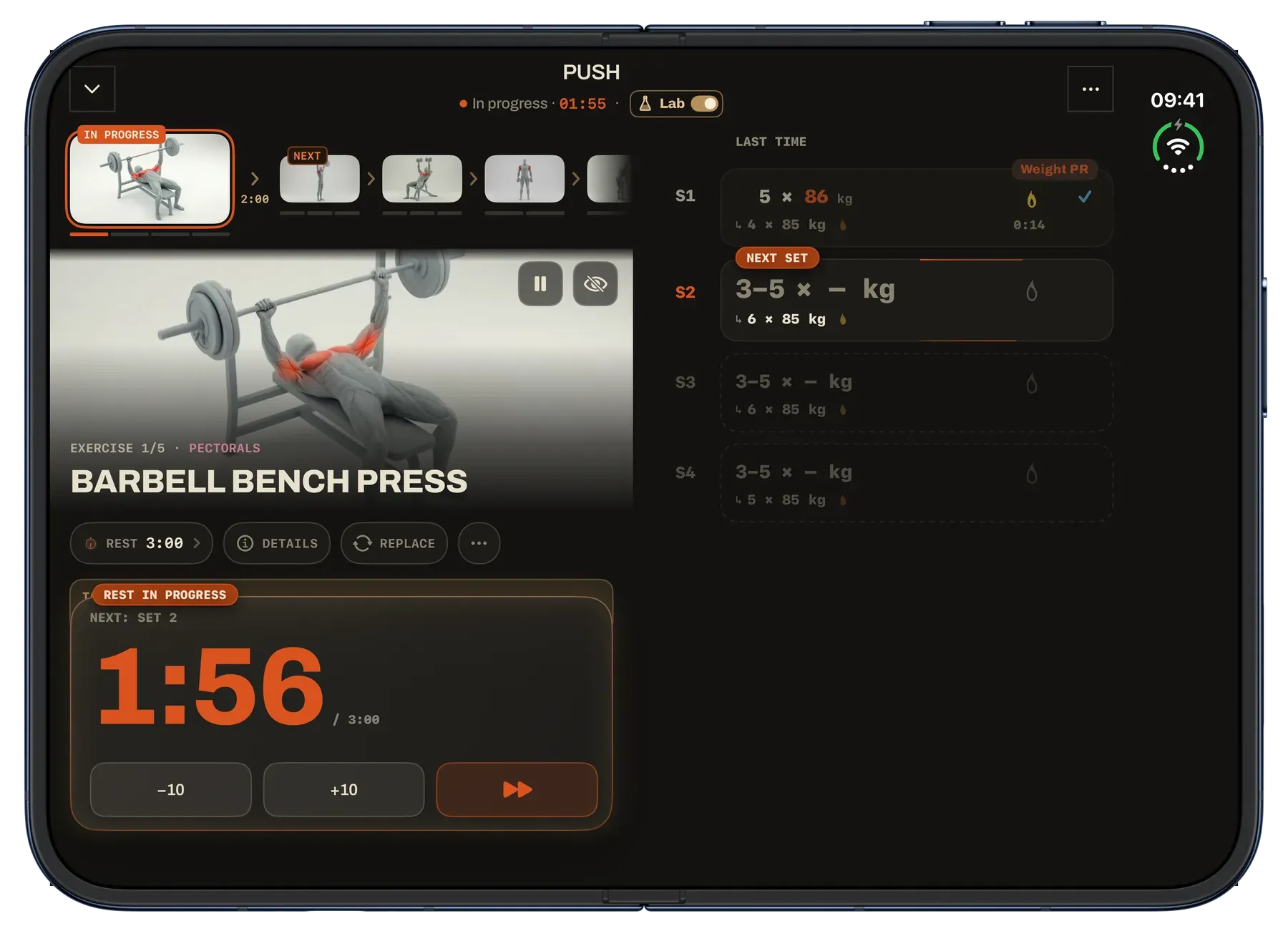
The video and cues on the left, your sets on the right: it all fits on the inner display.
Home shows your month next to today’s workout, and Stats lays out its sections two by two.
Your workout carries on when you open or close the phone, sets included, and the rest timer in Lab mode.
Three steps, from the first set to the summary.
Start one of the 113 ready-made workouts, 41 of them free, or build your own from 500 exercises.
In Manual mode, a few taps are enough. On your wrist, you set the weight and reps with the Digital Crown.
The recap sums up your session, shareable as an image, and your statistics update.
Between sets you have a bar to reload, not a form to fill in. Your session stays in front of you, and you get back to the effort.
Your session is ready. Your weights too.
TodayPush
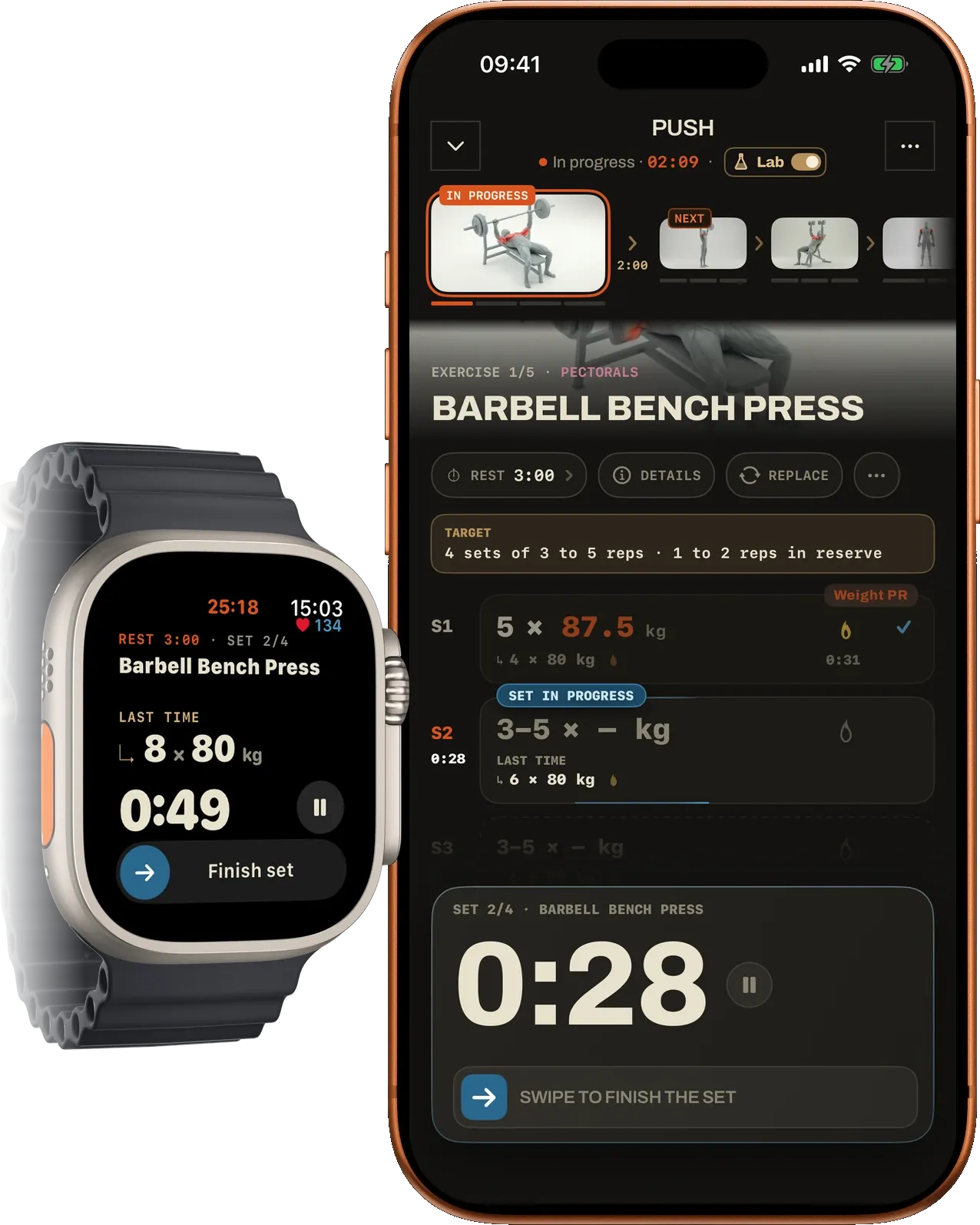
Exercise 1/5Bench press4 × 6-10 · rest 2:30
From the last session
Pro The Lab brings back your weights from last time. Now beat them.
Log your set in a few taps and get back under the bar.
Validate with a swipe: the rest starts and rolls into the next set.
Your sets come filled in with last time’s numbers: you only adjust what changed. If today’s load is heavier, it wins.
Your session stays in sight on the Lock Screen. In Lab mode, your rest and your next set too.
Machine taken? Switch exercises mid-session. Supersets come with Pro.
Set your reps and weight with the Digital Crown, then log the set from your wrist. Your iPhone stays in your bag, within range of the watch: it is what records.
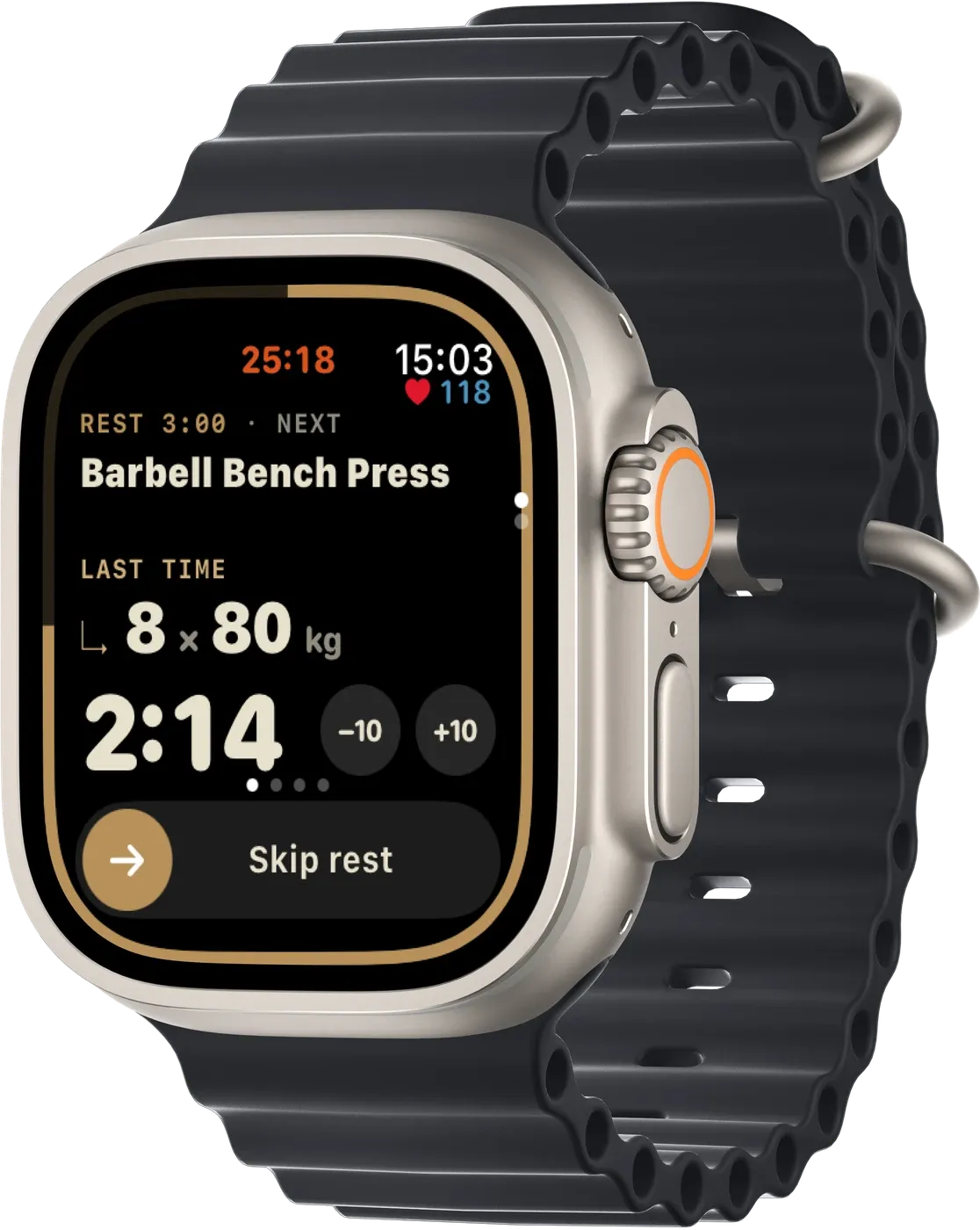
Weight and reps are set without taking your phone out.
The curve, your average and your max on your recap.
How your heart rate comes down after the effort.
47 statistics to answer the only question that matters: are you actually progressing? 14 are included, over your last four weeks. The other 33 and unlimited history come with Pro.
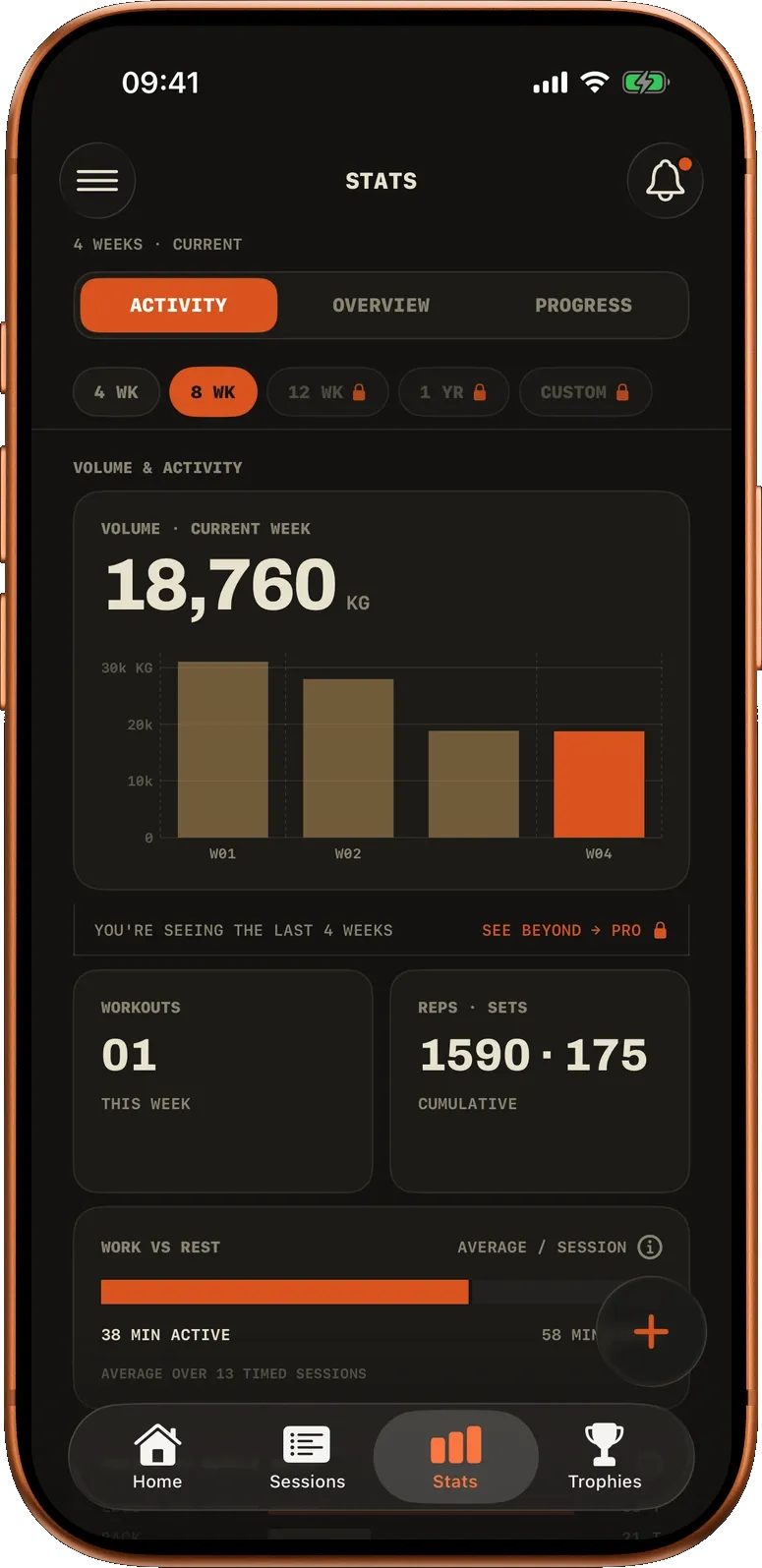
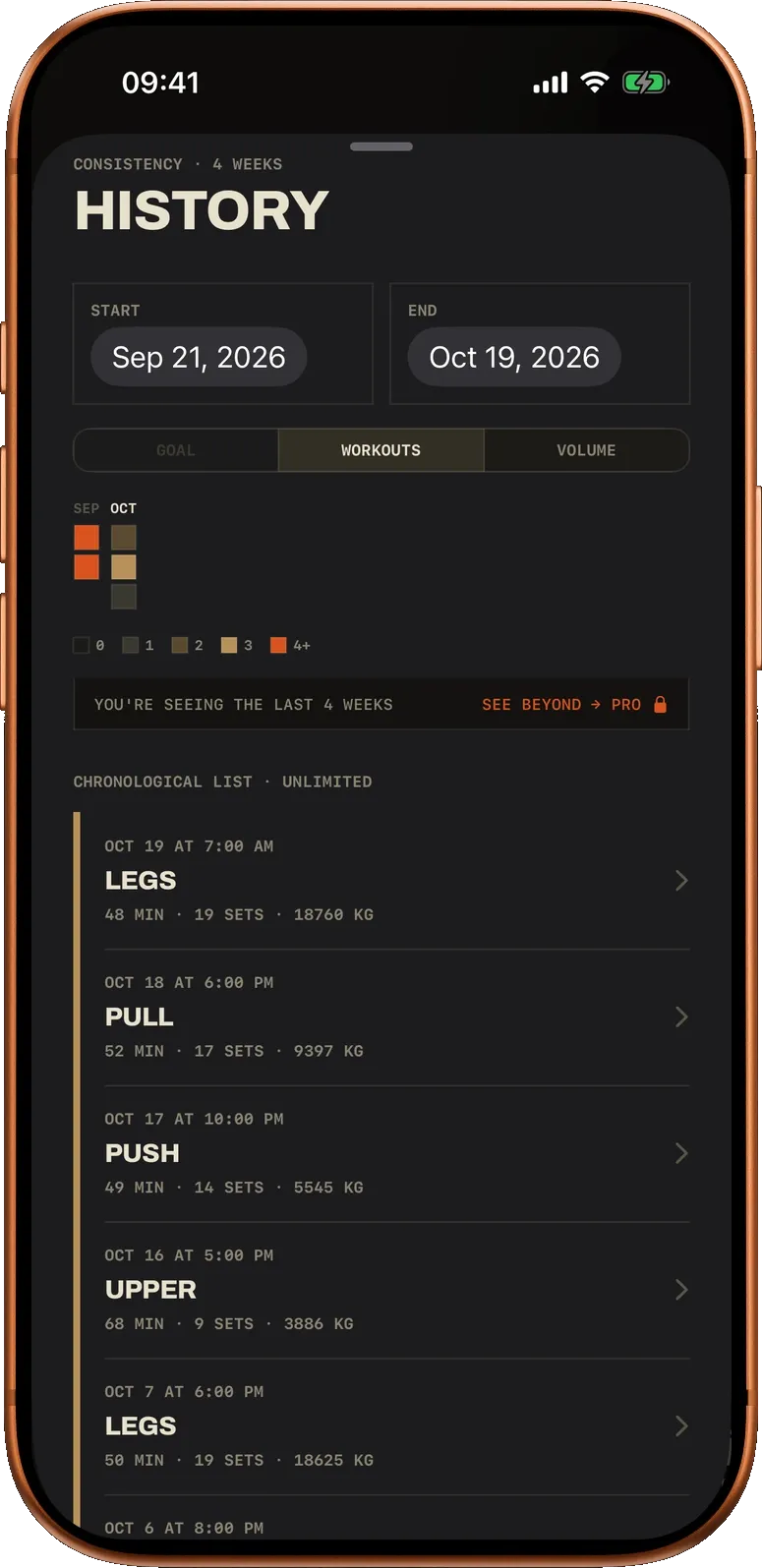
The regularity heatmap, your streaks and your trophies: your consistency finally shows.
Know it is stalling before you lose weeks to it.
Your 1RM projected at 3 and 6 months: where you are headed, not just where you have been.
Push/pull ratios, strength radar, and an alert when your volume runs past your average.
Pick a workout by goal and the app runs it set by set. 41 workouts are free, the other 72 come with Pro.
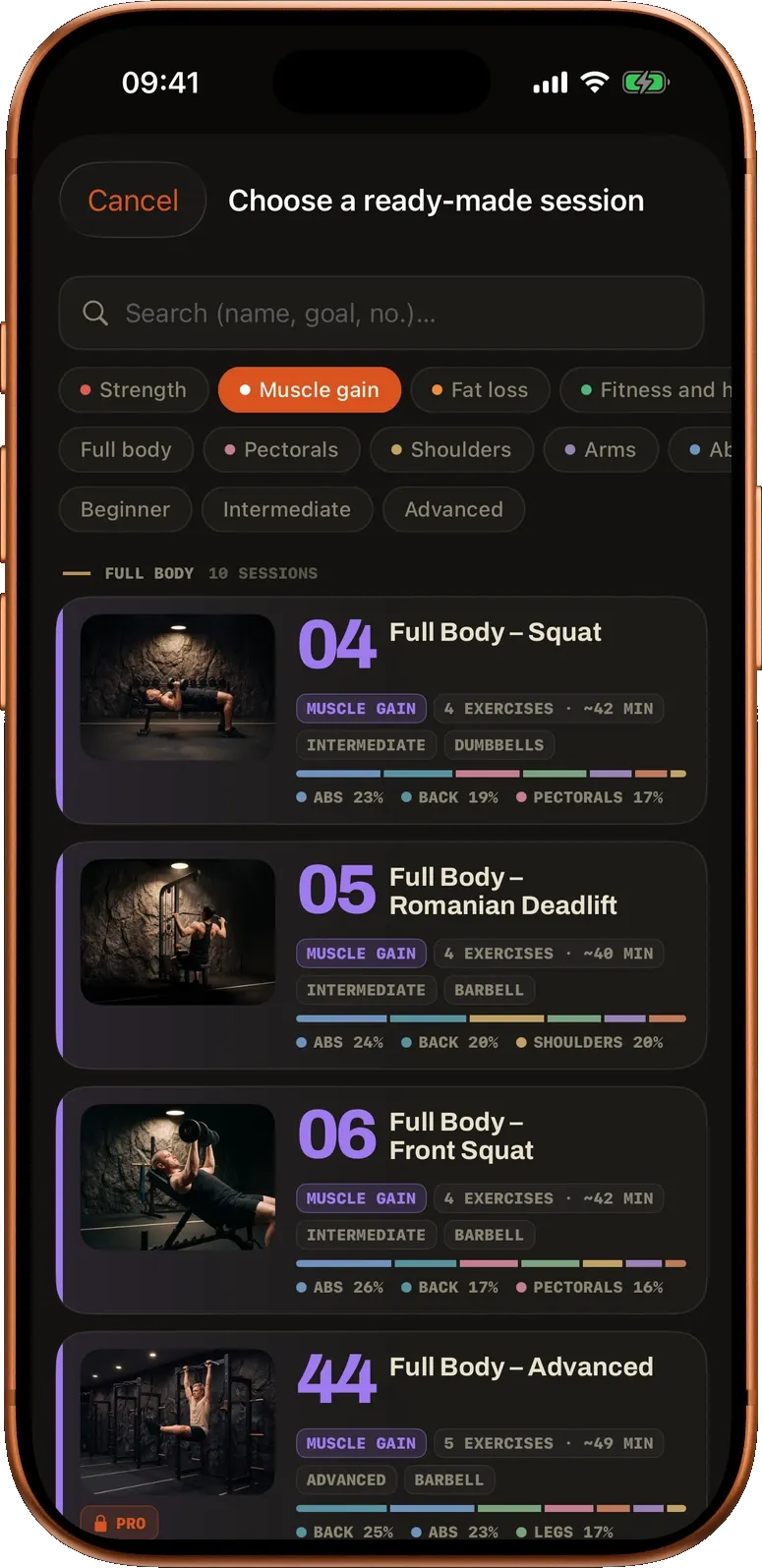
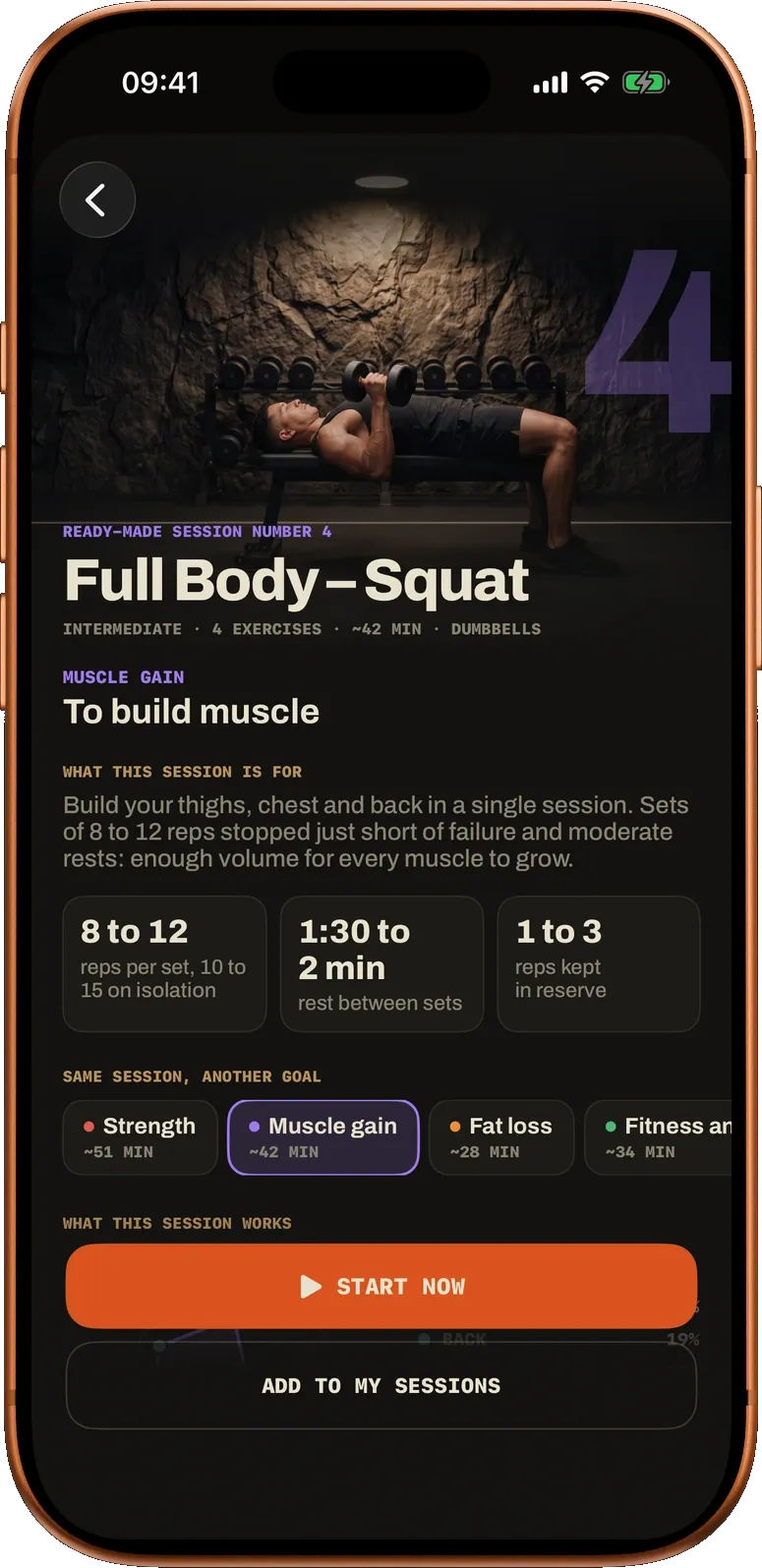
Strength, muscle gain, fat loss, fitness and health, sport. Each workout has its photo and a page that says what it is for and what it works.
Every exercise keeps its history, session after session.
3 custom sessions and 5 custom exercises, unlimited with Pro.
Add them to your calendar: your history stays complete, even when life gets in the way.
Your workouts and loads are shared with no one, except Delta’s AI service if you turn Delta on. Your health data is never shared.
Once you are signed in, the app works without a network: your history lives on your device and belongs to you.
Your backups are hosted in the EU, in Paris.
No social feed, no imposed coach: Delta, the AI coach, stays off until you turn it on. Just you and your numbers.
Online, no account, ready when you need them.
Enter a set you did and read your estimated max, with the load to use for each number of reps.
Open the tool : 1RM calculatorYour body weight, your added weight and your reps give the most weight you could add for one rep, with its range.
Open the tool : Weighted pull-up and dip calculatorTurn a set rated in RPE into a percentage of your max, then into a load for the bar.
Open the tool : RPE chartYour working weight gives the ramp, set by set, with the plates to load on each side.
Open the tool : Warm-up sets calculatorThe plates to load on each side of the bar for your target weight, with the ones you have.
Open the tool : Plate calculatorThe weight each manufacturer publishes for its bars, Olympic, EZ curl, hex or Smith, with the source of every number.
Open the tool : Barbell weight chart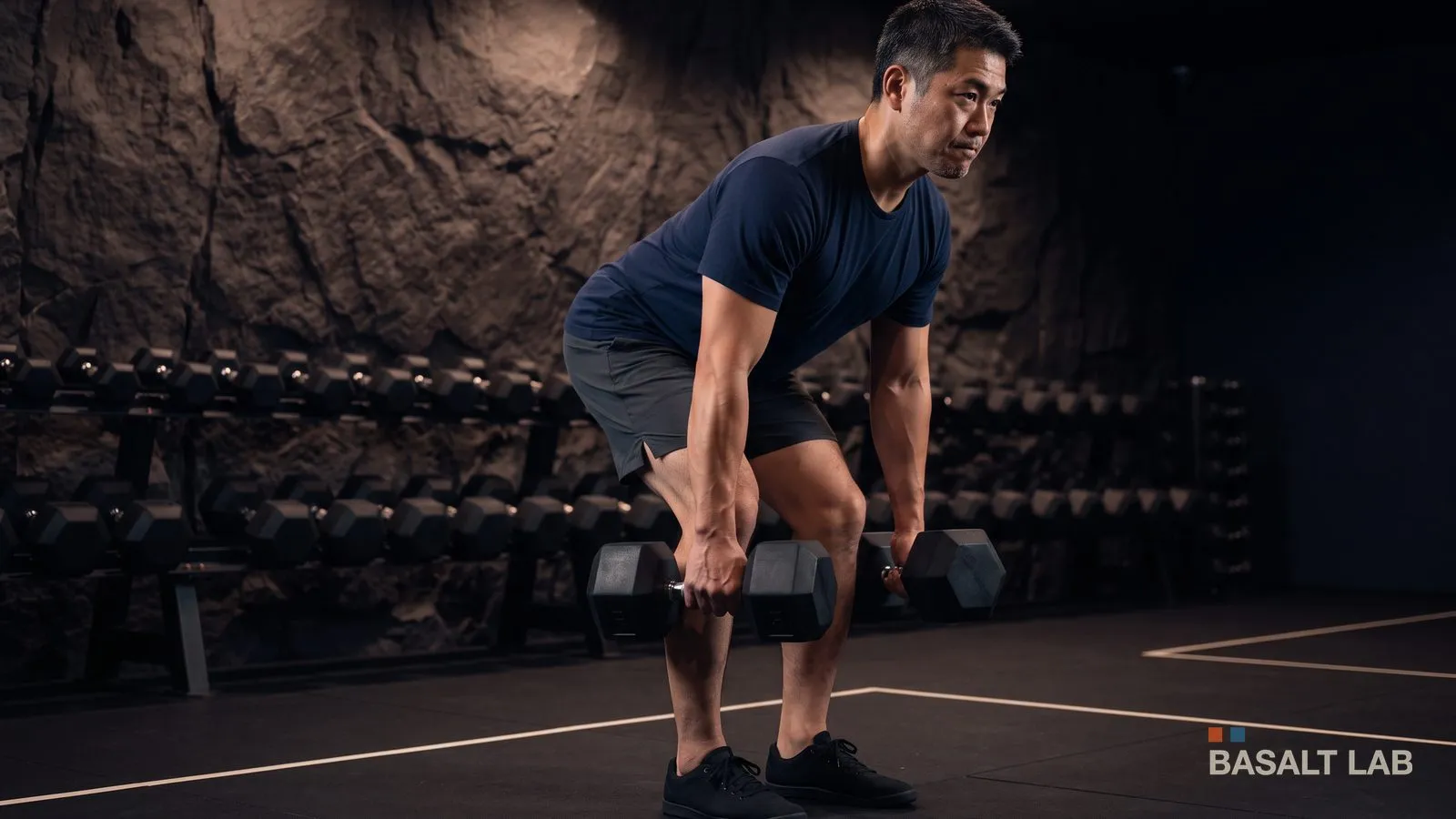
No barbell? The dumbbell Romanian deadlift, its single-leg version and the kettlebell swing, with the loads measured in a study and what six weeks of swings did for strength.
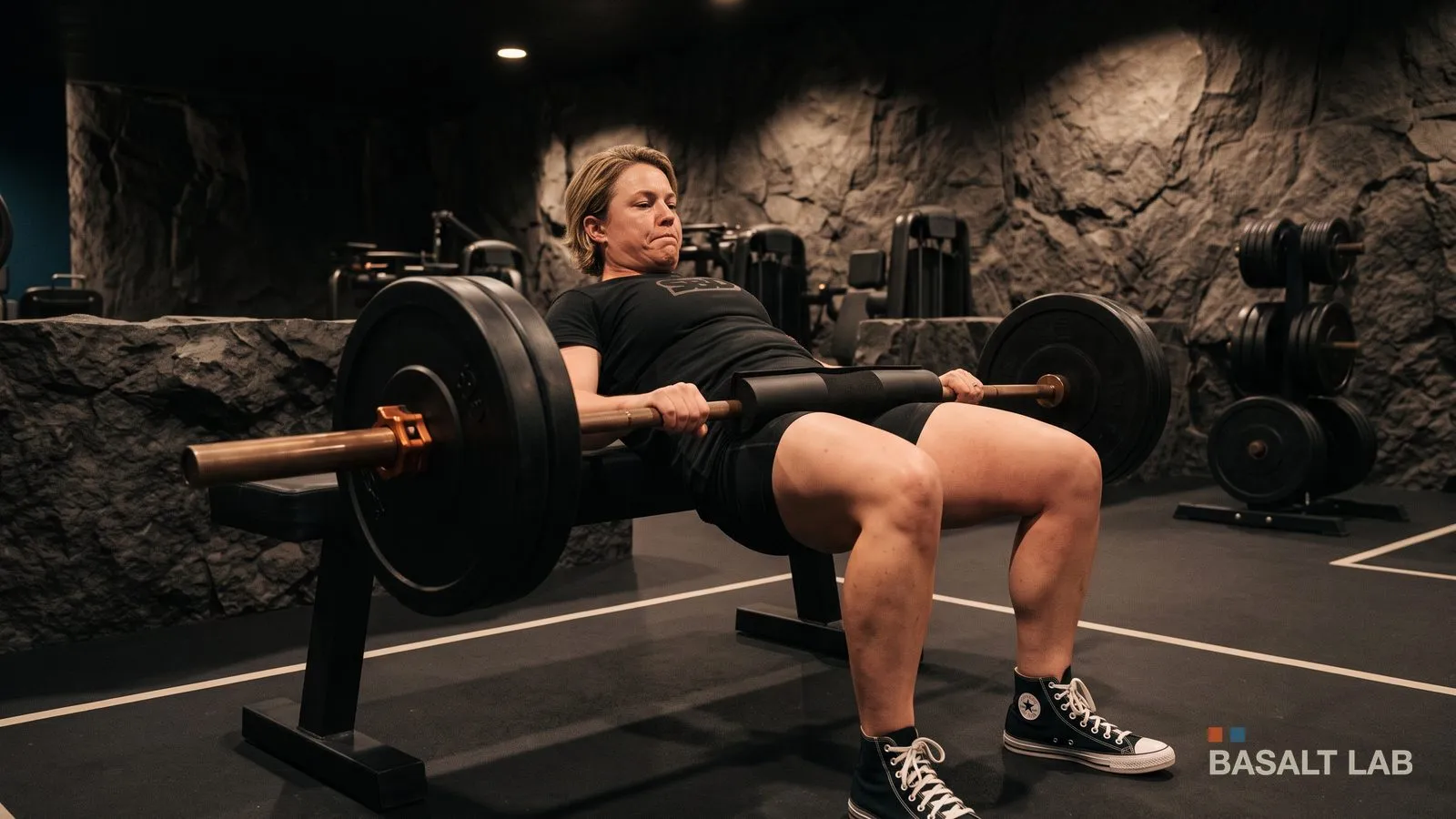
Volume load = weight × reps, added up over your working sets. A worked example, how to read your trend week after week, and its limits according to two studies.
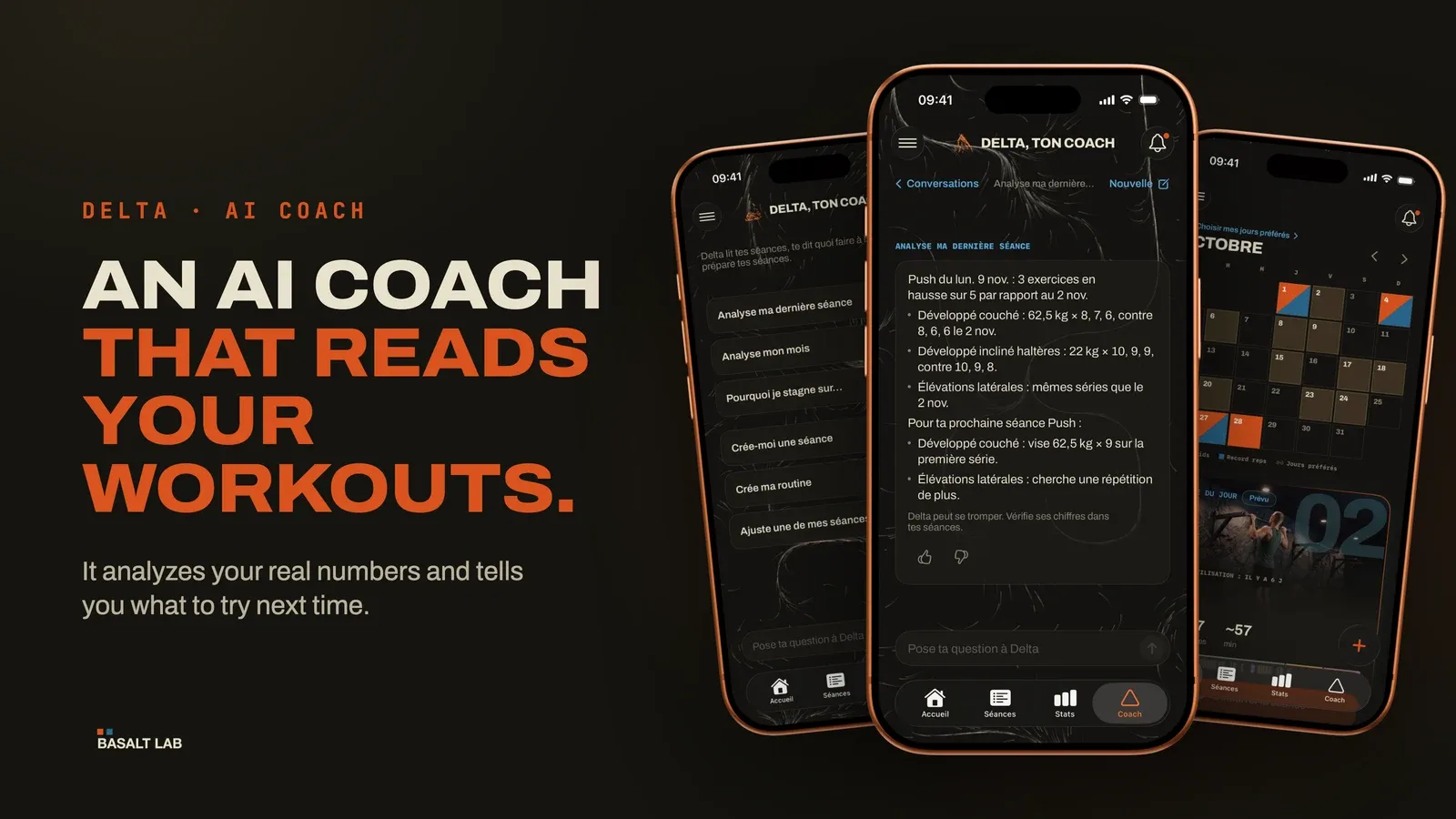
With Delta, its AI workout coach, Basalt Lab goes against general-purpose assistants: it starts from your logged sessions, holds back numbers without data and has every answer checked.
Yes. You set your reps and weight with the Digital Crown and log your set from your wrist. Your iPhone has to stay within range of the watch during the session, in your pocket or your bag: it is what records.
No. Once you are signed in to your account, the app works offline: your history lives on your device.
Basalt Lab is free to download, and without Pro you keep the unlimited workout log, Manual mode, Apple Watch, Live Activities, the widget, trophies, 14 statistics over your last four weeks, 41 ready-made workouts, 3 custom sessions and 5 custom exercises.
Delta, the AI coach that reads your workouts, Lab mode, your previous session replayed set by set, the other 72 ready-made workouts, supersets and session comparison, past sessions in your calendar, unlimited customization, your full statistics history, 33 advanced statistics and the strength radar.
On your device, and in backups hosted in the EU, in Paris. Your workouts and loads are shared with no one, except Delta’s AI service if you turn Delta on. Your health data is never shared.
On iPhone with iOS 17 or later, and on Apple Watch with your iPhone within range. The app is available in English, French and German.
Basalt Lab is a workout tracker app for iPhone and Apple Watch, published by Otia LTD, an independent studio based in London.
For iPhone and iPhone Duo on iOS 17 or later, and Apple Watch.
On a computer?Scan this code with your iPhone to install the app.